Google Sheets company enrichment engine
Build a no-code enrichment flow in Google Sheets using a ready-made Apps Script from Lusha’s API Hub. Add a company name or domain, run enrichment, and the sheet fills itself with firmographics, signals, and tech context you can use for targeting.
Why this works
Manual company research is slow, inconsistent, and impossible to scale. One person looks at Crunchbase, another checks LinkedIn, someone else guesses the tech stack, with segmentation turning into a debate.
This play standardizes the input (company name/domain) and automates the output (verified company fields), so targeting and routing are based on the same data every time.
What you get
A self-updating spreadsheet that can automatically enrich each company with:
- Firmographics (industry, employee count, revenue, HQ location)
- Intent signals and recent funding events
- Technologies used
And once it’s enriched, you can:
- Prioritize accounts showing intent or funding activity
- Personalize outbound with size/industry/tech stack
- Segment and score faster (without research work)
Google Sheets structure
Required columns (one is enough)
- Company Name (Column A)
- Company Domain (Column B)
Tip: Domain is usually the cleanest key. Company name works too—just expect more ambiguity.
How to set it up
Add the Lusha Apps Script
- Open a new or existing Google Sheet
- Go to Extensions → Apps Script
- Delete any existing code
- In Lusha API Hub (inside your Lusha dashboard), search “Automate Company Data Enrichment” (or a similar Sheets template)
- Copy the full script and paste it into Apps Script
Store your API key in Script Properties
- In Apps Script, click the gear icon → Project Settings → Script Properties
- Click Add Script Property
- Property name: api_key
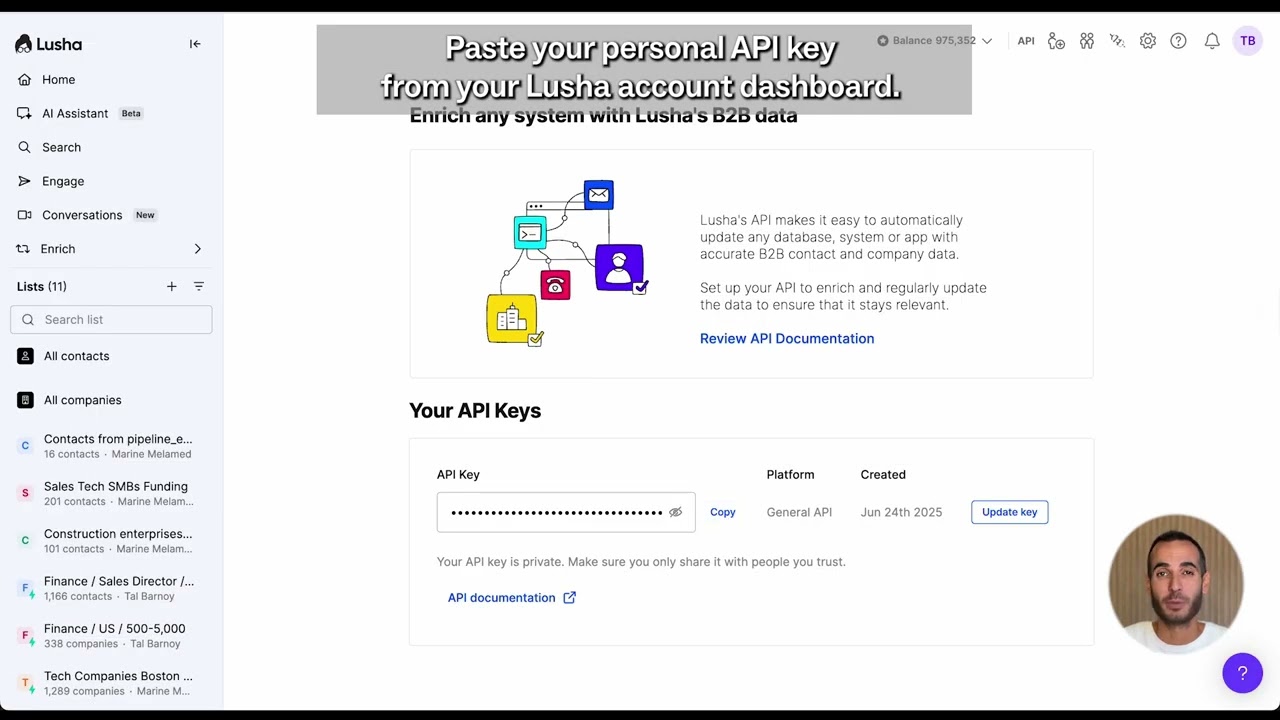
- Value: paste your Lusha API key
- Click Save, return to the sheet, and refresh
Run enrichment from the spreadsheet menu
After refresh, you’ll see a new menu: Lusha Company Enrichment, with options like:
- Enrich All Companies
- Enrich New/Failed Companies
- Choose Row Range to Enrich
- Set Max Row for All or New Enrichments
Add a few rows with company names/domains, then run the option you want.
The script fills your sheet automatically and shows a summary (rows enriched + credits used).
What to do next
- Export enriched companies to CSV
- Sync to your CRM using Zapier/Make (or your ops automation tool)
- Use the enriched fields for scoring, segmentation, routing, and personalized outreach
The goal: stop researching companies and start qualifying accounts at scale—right from a sheet.
No FAQ items available at this time.
Ready to build this?
Get started with Lusha and set up this play in minutes.










