


Dated events at a company or contact that indicate a change in budget, priority or people: a funding round, a hiring surge, a new executive, a job change. Lusha tracks 26 of them.Which signals predict a purchase, and how they differ from intent data: B2B buying signals FAQ.
Intelligence · Intent & Buying Signals
Reach the right buyers
at the right time
Lusha tracks 26 buying signals across growth, intent, events and risk, each with a date and a verified contact attached. Use them in Workspace, through the API, or in Claude and ChatGPT through the Lusha MCP server.
Trusted by 280,000+ go-to-market teams



Catch the moment, not the aftermath
Growth, intent, events and risk, with lookalikes and website visitors built on top. Every signal carries a date, so you know whether a funding round or a new executive is this month's news or last year's, and comes with a verified email and phone for the right person at the account.
01
Growth
Companies scaling up are more likely to evaluate new tools.
- Headcount increase over 1, 3, 6 and 12 months
- Surge in hiring
- Surge in hiring by department
- Surge in hiring by location
- New job post
- IT spend increase
02
Intent
See which companies are engaging with topics related to your product.
- LinkedIn activity intent
- Website traffic increase
03
Events
Moments that open short windows for new conversations.
- Job change
- Promotion
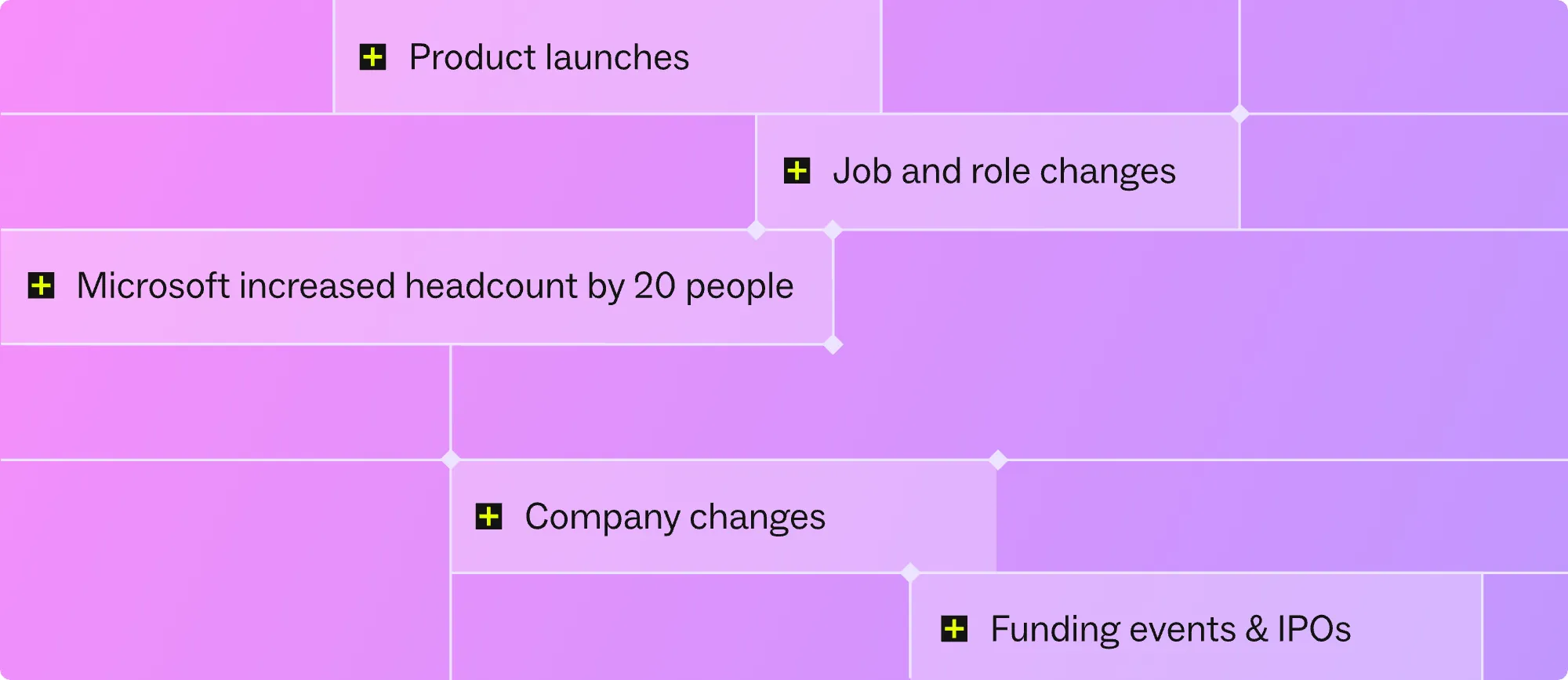
- Financial events news (including funding, IPOs)
- People news (leadership joins and departures)
- Product activity news
- Commercial activity news (partnerships, major customer wins)
- Corporate strategy news (M&A, restructuring)
- Market intelligence news
04
Risk
Avoid wasted outreach and flag accounts at risk.
- Risk news (legal, compliance, reputational)
- IT spend decrease
- Headcount decrease over 1, 3, 6 and 12 months
- Website traffic decrease
05
Intelligence built on top of signals
Spot more companies, contacts, and business opportunities.
- Lookalike companies
- Lookalike contacts
- Website visitors
- Signal score
Every buying signal, anywhere you work
Track it inside Lusha, your CRM, your automation stack, or Claude and ChatGPT.
01
In Lusha
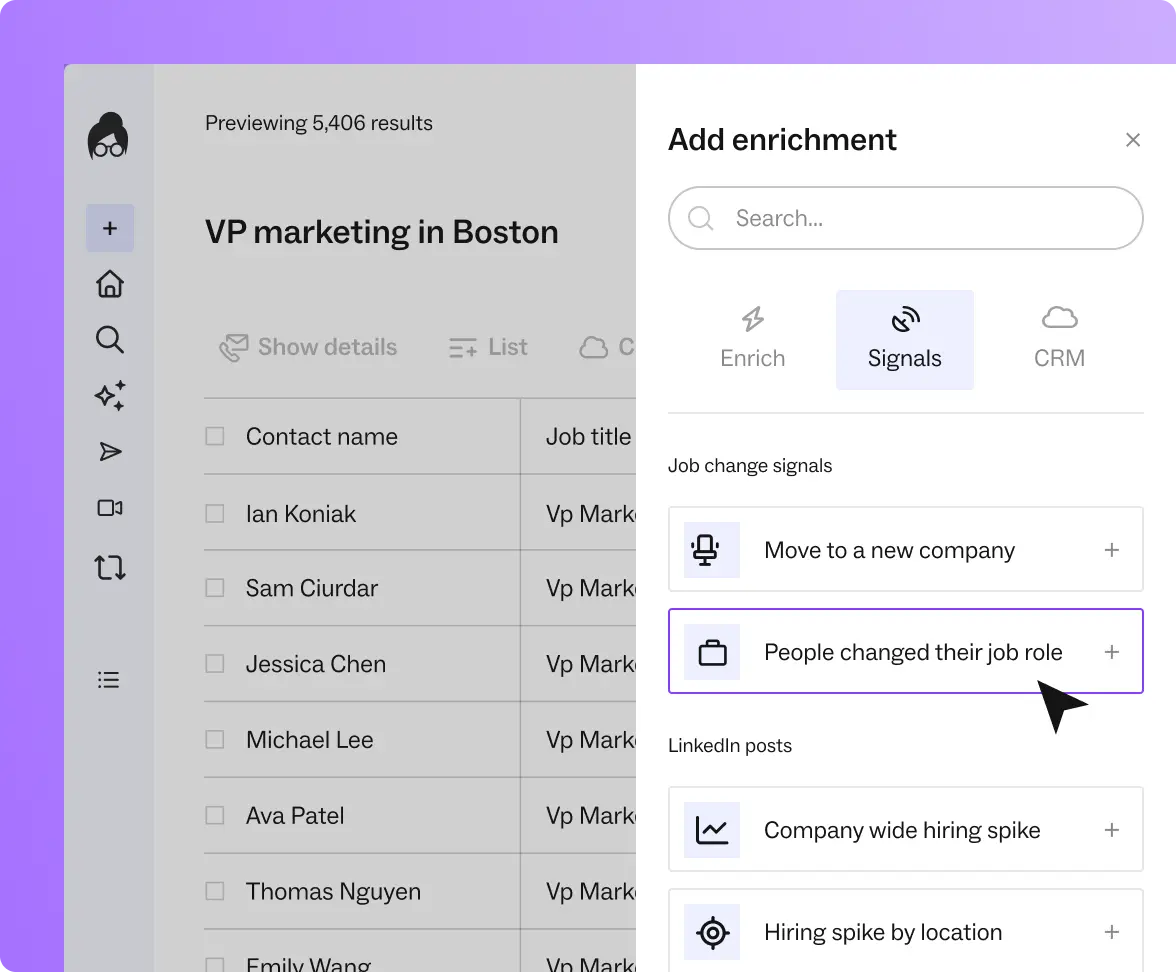
Filter tables by signal type, add signal columns, and build lists from recent market changes in Workspace.
02
In your stack
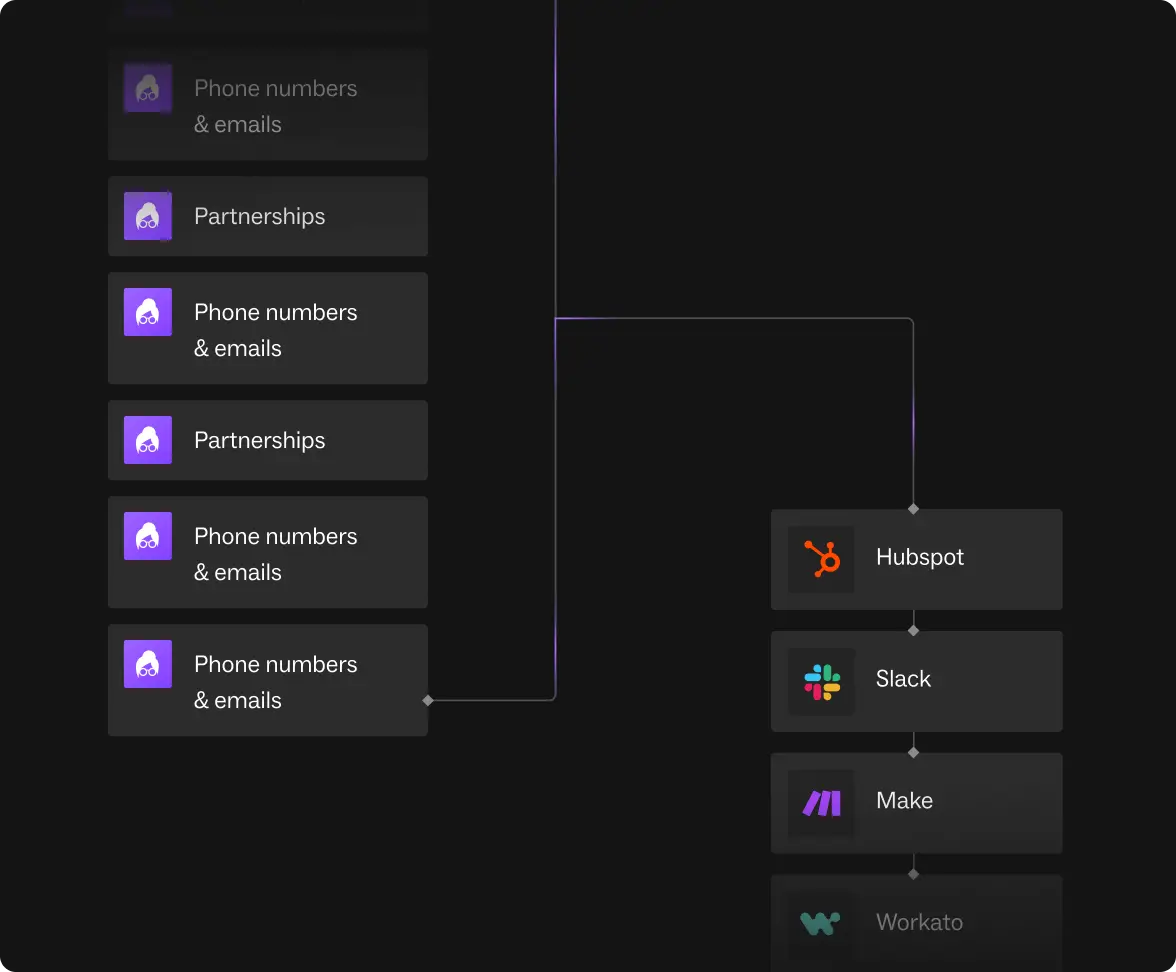
Push signals into Salesforce or HubSpot, or trigger workflows in Clay, Make, n8n and Zapier, through the API or a native integration.
03
In your AI tools
Connect the Lusha MCP server to Claude, ChatGPT, Codex, Cursor, Gemini CLI, VS Code or n8n and ask for a signal in plain language: "Which of my target accounts raised a round this quarter, and who is the VP of Sales there?" The agent reads the signal, the date, and the verified contact in one pass, and can save the result as a Workspace table. Setup: docs.lusha.com/mcp-docs.

B2B DATA & BUYER INTELLIGENCE
Data you can act on
Every signal is attached to a verified record. Lusha states 98% email and 85% US and 86% global phone accuracy, refreshed daily, and publishes a data decay study: 148,000 records, 12.25% annual role change among US sales leaders, September 2026
Learn more about our data →

Signals that are relevant to your GTM motion
For Sales
- Work fewer accounts, close more
- Turn one signal into a full buying committee

For RevOps
- Route signals into scoring, not rep instinct
- Combine signals with enrichment for trustworthy reporting

For Marketing
- Build ABM lists from lookalikes that already converted
- Trigger campaigns off a real event, not a static list

For Recruiters
- Re-verify a silver medalist pool before sourcing new
- Catch a hiring window in the first 90 days
Learn how to mix, match, and combine signals

Signals Hub
Every signal by category, type and refresh rate, with a worked example and credit cost.
Learn more »
Lusha Plays
Ready-to-run prompts and Skills that stack signals and return a verified contact
Explore the plays »Which tools track job changes and funding signals
Seven tools track job changes, funding rounds, or both. Only a few date every event and make it available to AI agents.
Read more »FAQ
26 signals in four categories. Growth: headcount increase, hiring surges, new job posts, IT spend increase. Intent: LinkedIn activity and website traffic increase. Events: job changes, promotions, funding and financial news, leadership moves, product, commercial, strategy and market news. Risk: headcount decrease, IT spend decrease, website traffic decrease, risk news. 24 are company signals and 2 (job change, promotion) are contact signals. Lookalikes, website visitors and the signal score are intelligence built on top of these signals, not signals themselves.
Evidence that a company is engaging with a topic related to your product. Lusha’s intent signals come from public LinkedIn activity mapped to intent categories and from website traffic changes at the company level.
Contact data tells you who to reach and how. A signal tells you when, and why now. Lusha attaches both: the event, its date, and a verified email and phone for the right person.
In Workspace as filters and columns, through the API, and through the Lusha MCP server for Claude, ChatGPT, Codex, Cursor, Gemini CLI, VS Code and n8n. Agents search, enrich, pull signals and lookalikes, and save results as Workspace tables. They do not send messages or add contacts to sequences.
Yes. Run any account list against the signals to see which accounts fired which signal, with dates. The Campus play Check your account list for funding, hiring surge and executive hire at once does this in Claude.
Companies and contacts that match the profile of your closed-won customers or best buyers, built from your own data rather than a generic filter. Lookalikes are part of Lusha’s Deep Intelligence layer and run on top of the 26 signals.
It depends on the signal. Hiring surges read weekly. News-based signals carry the event date so you can filter out old items. Each signal’s refresh rate is listed on its hub page.
No. Intent signals, event signals and verified contact data are in the same record, so a signal that fires already has the person to call attached.
Lusha and ZoomInfo track both natively. Apollo tracks job changes and news triggers. Clay assembles both from providers. Crunchbase tracks funding only. Sales Navigator and UserGems track job changes only.
Don't wait for the signal to go cold
Connect Lusha to Claude or ChatGPT and ask which of your accounts changed this week.


