
Template

Automated prospecting agent workflow

Time to build: 5 min
Difficulty: Easy
Tools: Google Sheets ▪ Lusha ▪ Zapier

This template finds new contacts at your target accounts on a schedule, enriches them with Lusha, and adds them to a Google Sheet. You set the filters once, and a fresh list of prospects shows up daily or weekly, with no exports or CSV cleanup.
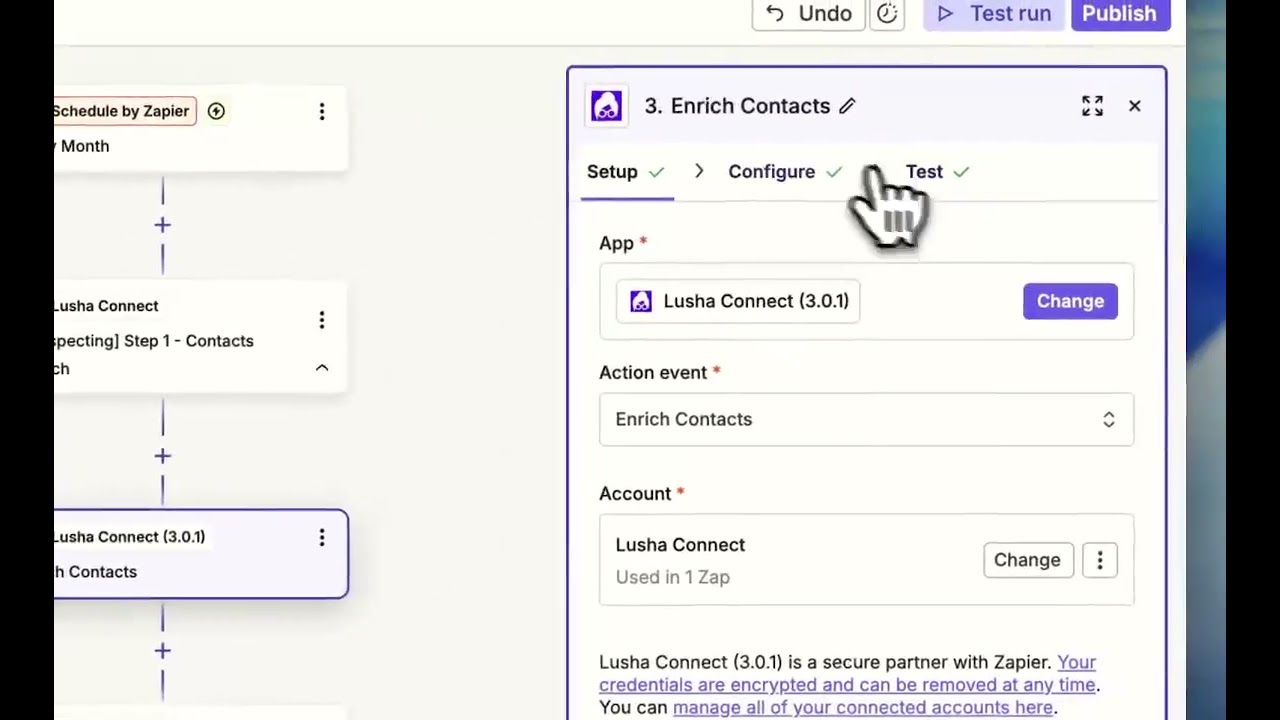
Automated prospecting agent workflow video thumbnail

Why automate prospecting?

Selling isn’t what slows most reps down. It’s the prep: finding the right people, checking their roles, pulling contact details, and switching between tools to do it all again the next day.

This workflow handles that prep for you. Instead of starting the morning with research, reps open a spreadsheet of verified contacts that’s ready to work.

What this workflow does

  • Runs on a schedule you choose, daily or weekly
  • Searches Lusha for contacts that match your ICP, by company, job title, seniority, and location
  • Adds verified emails, direct dials, and company details to each contact
  • Sends every new contact to a Google Sheet automatically

How to set it up

01

Create a new Zap in Zapier

Open Zapier and start a new Zap. Select Schedule by Zapier as your trigger. Set the frequency—”Daily” or “Weekly” works well for most teams.

02

Connect Lusha as your action

Add Lusha as the action step. Use the Search Contacts action to find contacts at your target companies. Define your filters: company name, job title, seniority level, location—whatever matches your ICP.

Tip: Start narrow. It’s easier to expand your filters than to clean up a messy list.

03

Check the enriched data

Run a test in Zapier and confirm each contact comes back with verified email, phone number, and company details. If any fields are missing, add a Lusha enrich step after the search, before you send contacts to Google Sheets.

04

Export to Google Sheets

Add Google Sheets as your final action. Map the Lusha fields to columns in your spreadsheet. Every time the Zap runs, new contacts appear automatically.

05

Turn it on and walk away

Activate your Zap. Your prospecting agent will now run in the background. Pipeline appears. Time waste disappears.

What to do next

Once your contacts are landing in Sheets, you can take it further. Connect your spreadsheet to a sales engagement tool to trigger sequences automatically. Or add a Slack notification so your team knows when new contacts are ready to work.

The goal: sellers spend their energy on understanding buying context, teaching instead of pitching, and building trust. Not hunting for contact info.

FAQ

  • Use this Zapier template. It runs on a schedule, searches Lusha for contacts that match your filters, and adds them to a Google Sheet with their contact details.

  • No. The whole workflow runs in Zapier, which is no-code.

  • As often as you set it to in Schedule by Zapier. Daily or weekly works well for most teams.

  • Company name, job title, seniority, and location, so you can match the list to your ICP.

  • Yes. You can replace the Google Sheets step with your CRM or a sales engagement tool, or add a Slack alert when new contacts arrive.

Ready to run this?

One data connection. Works in Claude, ChatGPT, your CRM, or any agent you build.